Connect to a dApp with WalletConnect
You can use a Safe account to connect to a dApp with WalletConnect.
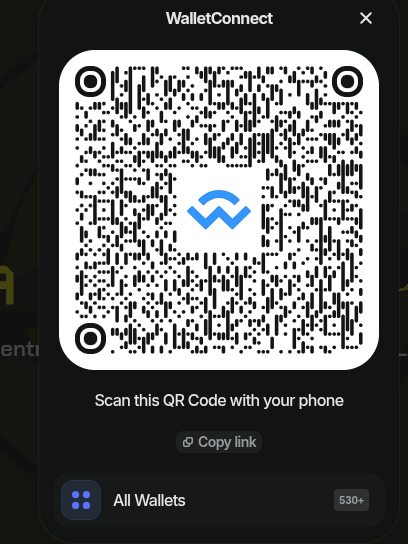
On a compatible dApp, (e.g.: Blackhole), select WalletConnect as the wallet provider and click on the Copy link button:
On Ash Wallet, click on the WalletConnect logo on the top right corner:
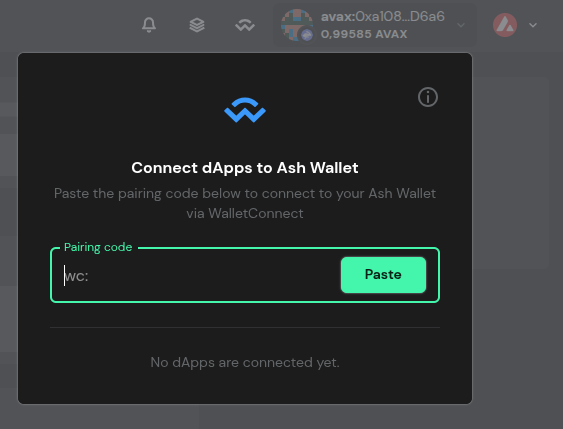
You can then paste WalletConnect link:
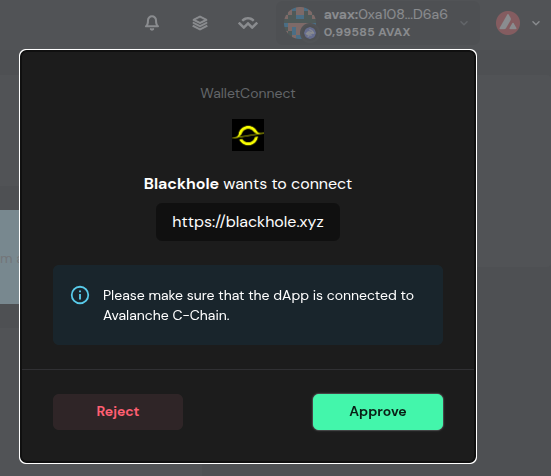
After pressing the Approve button, you can go back to the dApp and start using your Safe account to sign transactions. Trigger a transaction you should be prompted to sign it in Ash Wallet.